The Webhook Call feature allows you to seamlessly export data about contacts or companies to external resources at any stage of the automation.
Step 1: Create a Webhook in Settings
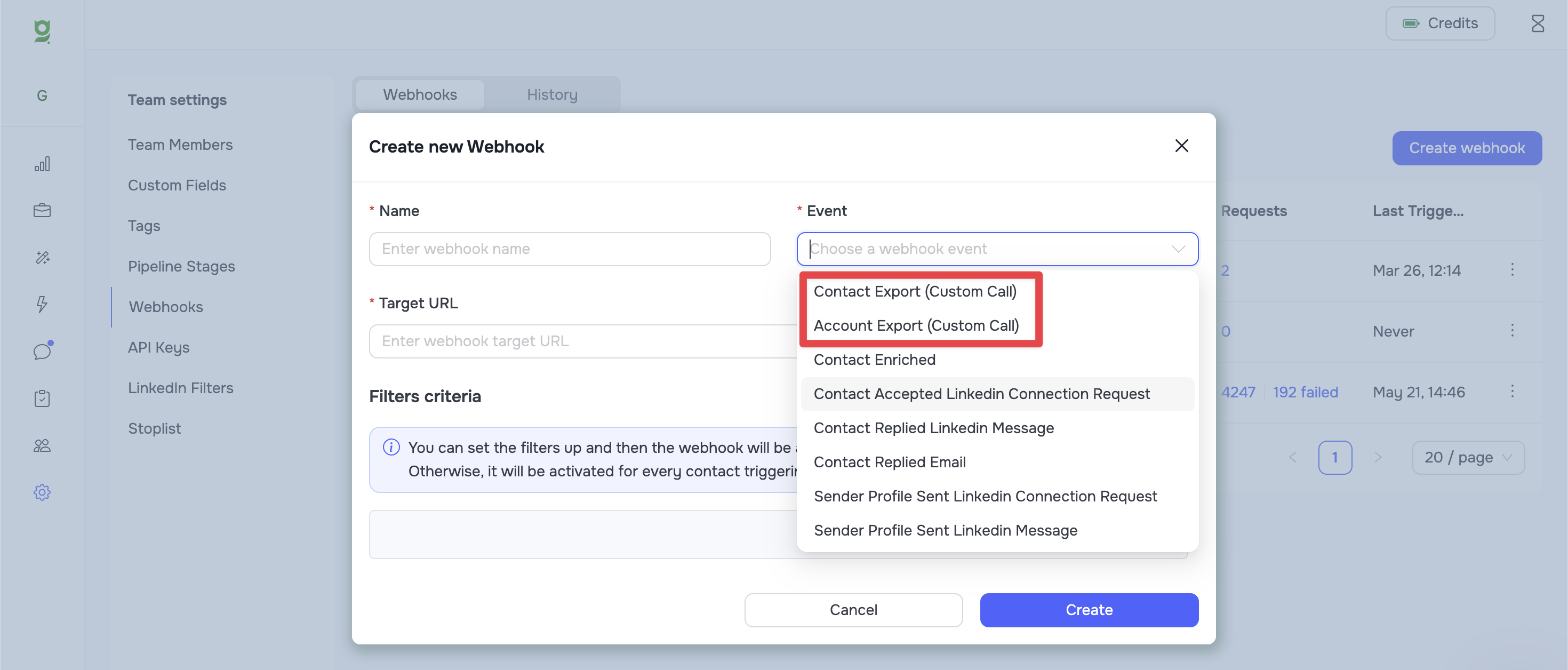
Сreate a webhook and choose the type based on the data you plan to export:
-
Contact Export (Custom Call) - use this to transmit data about individual contacts.
-
Account Export (Custom Call) - use this to transmit data about companies (accounts).
Step 2: Add the Webhook to the Automation
Go to the automation builder and add a Call Custom Webhook node at the required point in your sequence, then select the webhook in the node settings.
